01 / 03
Brittle scripts
A renamed button or moved field fails half the suite overnight, and someone spends the morning fixing selectors instead of testing.
Web Testing
Web application testing breaks down when the UI changes faster than your scripts. Robonito's AI agents turn plain-language intent into tests, run them on every build, and self-heal when a button moves, so your team ships with confidence.
Free forever plan · No code required
Teams that refuse to trade speed for quality ship with Robonito








01The problem
Code ships at AI speed now. Every sprint brings new screens, renamed fields, and reworked flows, and the test suite is always a step behind.
01 / 03
A renamed button or moved field fails half the suite overnight, and someone spends the morning fixing selectors instead of testing.
02 / 03
Writing tests by hand takes longer than building the feature, so the riskiest journeys often ship with no automated check at all.
03 / 03
When someone asks 'Are we ready to ship?', the answer depends on who ran which test, in which browser, and when.
02Capabilities
Robonito gives your team AI agents that handle the repetitive work of web testing, while your people decide what matters.
01
Describe a journey like 'log in, add an item, check out' and the agent turns it into an executable test case. No code and no selectors to write.
02
Click through your app once with the recorder or browser extension and Robonito captures each step, so a manual check becomes a repeatable test.
03
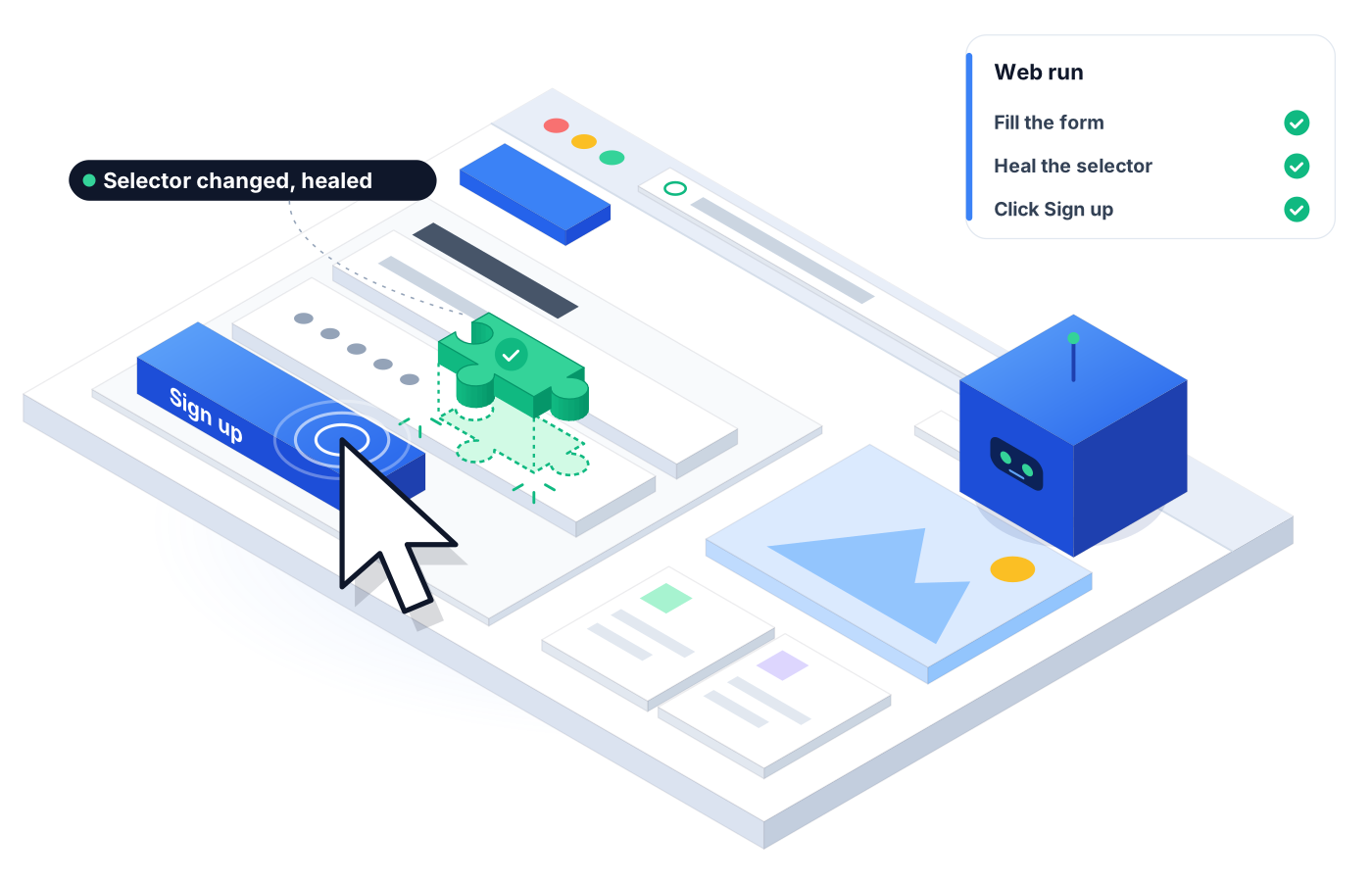
When the UI changes, the agent adapts the test instead of failing on a stale locator, so a renamed button doesn't break your release.
04
Group tests into suites, schedule them, and run them in parallel, so a full regression pass fits between merge and release.
05
When a test fails, the agent reports what broke and why, with a step-by-step log, so triage starts with an answer instead of a guess.
06
Trigger runs from your CI/CD pipeline and send results to Jira and Slack, so failures reach the people who can fix them.
03How it works
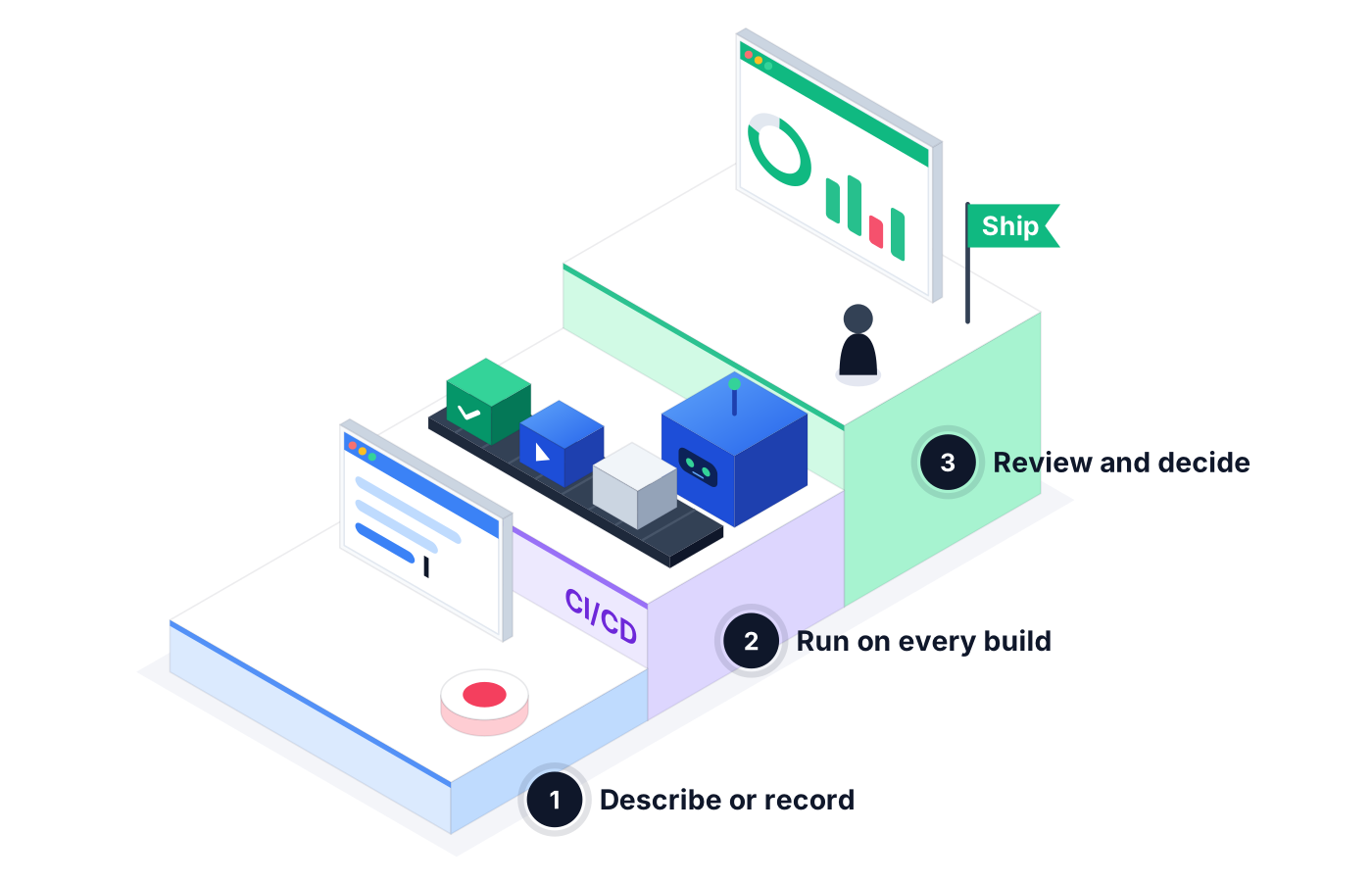
Type the journey in plain language, paste a Jira reference, or record it in the browser. The agent builds the test case.
Run tests on demand, on a schedule, or from your CI/CD pipeline. The agent performs and logs each step as it goes.
See pass rate, failures, and failure clusters in one report. The agent explains root causes; your team decides what ships.
04Use cases
An ecommerce team runs its full cart and checkout suite every night before a promotion, so a broken coupon field is caught on Tuesday, not on launch day.
A product team ships a new onboarding screen. The agent self-heals the existing sign-up tests and flags the one step that actually changed behavior.
An internal tools team schedules a short smoke suite after each deploy, so 'it passed yesterday' becomes a report anyone can check.
05Proof in every run
Every run leaves a trail, so release decisions rest on facts rather than memory.
See exactly what the agent did, in order, with the result of each step.
Proof you get: Step-by-step run log with screenshots
Related failures are grouped, so ten red tests caused by one broken login show up as one problem.
Proof you get: Failure cluster view in Reporting
Hand stakeholders a clear summary of pass rate, failures, and average duration.
Proof you get: Downloadable PDF test report
06Ways to start
01
Try Robonito on your own web app with the free-forever plan. No code required, and no time limit.
02
Run a no-obligation proof of concept on your real system. You get clear results and a clear recommendation before you commit.
03
Robonito Professional Services helps with test strategy, migration from existing suites, and rollout across your teams.
Explore Professional Services07FAQ
Web application testing is the practice of checking that a web app works as intended across its key user journeys, from login to checkout. It covers functional behavior, UI flows, and regressions after each change. Robonito automates it with AI agents that create, run, and maintain tests from plain-language descriptions, so your team spends less time on scripts and more time on judgment.
You describe the journey in plain language or record it once, and Robonito's agent turns it into a test case. There are no selectors or scripts to write. The agent then runs the test on demand, on a schedule, or from your CI/CD pipeline, and self-heals when the UI changes so tests keep running after a redesign.
Yes, web test automation is included on every plan, including Free. The Free plan is free forever and includes 100 test cases a month, 60 execution minutes, and one parallel run. Starter adds CI/CD plus Jira and Slack integration, while Pro and Custom add more volume, more parallel runs, and other platforms like mobile and API.
Robonito's agents self-heal tests when the UI changes, so a renamed button or moved field doesn't fail your whole suite. Instead of breaking on a stale locator, the agent adapts the step and keeps going. When a change actually affects behavior, the failure is reported with a root cause so your team can decide whether it's a bug or an intended update.
Yes, Robonito can run web tests from your CI/CD pipeline, including setups built on Jenkins, GitHub, GitLab, or Azure DevOps. Results can flow to Jira and Slack so the right people see failures quickly. CI/CD plus Jira and Slack integration start on the Starter plan, and you can also run suites on a schedule or on demand.
Platforms & Testing Types
One journey, every major browser, no grid to run
Learn morePlatforms & Testing Types
AI catches UI regressions functional checks miss
Learn moreAI QA Agents
Full user journeys across web, mobile, API, desktop
Learn morePlatforms & Testing Types
Chained REST API workflows, with or without the UI
Learn moreCreate your first web test in plain language on the Free plan, then scale up when your team is ready.