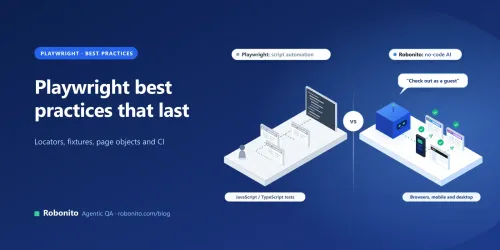
Every release changes something. Automated regression testing is how you find out, within minutes, whether that change broke something that used to work.
Automated regression testing re-runs a saved set of tests after every code change to confirm that existing features still behave correctly. Done well, it runs in CI on every merge, finishes in minutes, covers your highest-risk user journeys first, and fails only when something is actually broken, not because a button moved.
Most teams agree on the first half of that definition. The second half is where regression suites fail: they get slow, flaky and expensive to maintain, until people stop trusting red builds. This guide is about building a suite that doesn't go that way.
Key takeaways
- Automate by risk, not by ease: start with the journeys that cost the most when they break.
- Keep three layers: a fast smoke suite on every pull request, the full regression suite on every merge, and a scheduled run against production-like environments.
- Flaky tests are the main reason regression suites die. Treat every flaky failure as a bug.
- Measure time to feedback, flake rate and escaped defects, not test count.
What is automated regression testing?
Regression testing checks that changes haven't broken existing behaviour. A "regression" is a defect in something that used to work: the checkout that stops accepting saved cards after a payment library upgrade, or the report that shows the wrong totals after a database migration.
Automated regression testing means those checks are scripted or defined once, then run by a machine on every change, with no person clicking through the app. That makes regression testing affordable to do often, which is the whole point. A manual regression pass that takes three days can't run on every merge. An automated suite that takes twenty minutes can.
Regression testing vs retesting
Retesting confirms that a specific bug is fixed. Regression testing confirms that the fix, or any other change, didn't break anything else. You retest the bug once; you regression-test everything that matters, every time.
Why regression testing needs automation
Three things make manual regression testing unsustainable for most teams:
- Release frequency. Teams shipping weekly or daily can't fit a multi-day manual pass into each cycle, so regression testing gets skipped or shrunk.
- Growing surface. Every feature adds journeys to check. The manual pass grows; the time available doesn't.
- Consistency. People skip steps when they're tired or rushed. A machine runs the same checks the same way every time.
Manual testing still matters, for exploratory testing, usability and new features. Our guide to manual regression testing covers where it fits. But the repeatable core of regression testing belongs to automation.
What to automate first
Don't start by automating everything. Start by ranking your user journeys by risk: how likely each is to break, and how much it costs when it does.
| Priority | What to automate | Why |
|---|---|---|
| 1 | Revenue and core journeys: sign-up, login, checkout, the main transaction | A failure here costs money or customers immediately |
| 2 | Journeys touched by recent or frequent changes | Change is the biggest predictor of regressions |
| 3 | Integrations: payments, identity, third-party APIs | They break when someone else changes something |
| 4 | Areas with a history of defects | Past bugs predict future ones |
| 5 | Stable, low-impact features | Automate last, or cover with occasional exploratory testing |
Our guide to software testing strategies shows how to score journeys for risk in more detail.
A practical rule: if a journey would wake someone up at 2 a.m. when it breaks, it belongs in the first batch.
How to build an automated regression suite, step by step
1. Write tests around user journeys, not pages
A good regression test follows something a user is trying to do ("buy a gift card with a saved card") and checks the business outcome (the order exists, the card was charged, the confirmation arrived). Tests that check individual pages in isolation miss the integration bugs that matter most.
2. Split the suite into layers
| Layer | When it runs | Target time | What it covers |
|---|---|---|---|
| Smoke | Every pull request | Under 10 minutes | The 10–20 most critical journeys |
| Full regression | Every merge to main | Under 30 minutes | All automated journeys, in parallel |
| Scheduled | Nightly or before release | No hard limit | Long journeys, more browsers and devices, production-like data |
The smoke layer protects developers' flow; the full suite protects the main branch; the scheduled run catches what the faster layers skip.
3. Run tests in parallel
A suite of 300 tests that runs one at a time is a suite nobody waits for. Run tests in isolated, parallel workers so total time depends on your slowest test, not the sum of all of them. Isolation matters as much as parallelism: tests that share data or accounts will interfere with each other.
4. Control your test data
Regression tests fail for data reasons more often than for code reasons. Give each test its own data (create it at the start, clean it up at the end), or reset a known dataset before each run. Never depend on a record someone created by hand last month.
5. Put it in the pipeline
Regression testing only works if it runs automatically. Wire the suite into your CI/CD pipeline (Jenkins, GitHub Actions, GitLab CI or Azure DevOps) so it runs without anyone remembering to start it, and make a failing suite block the merge or the release.
6. Report evidence, not just pass or fail
When a test fails, the person looking at it needs to know why in under a minute: a screenshot or video at the point of failure, the network calls, the logs and the step that broke. Evidence turns "the build is red" into "the payment API returned a 500 on step 4".
Why regression suites decay, and how to stop it
The hardest part of automated regression testing isn't writing tests. It's keeping them trustworthy.
Flaky tests
A flaky test passes and fails on the same code. Common causes are timing (waiting for a fixed number of seconds instead of a condition), shared test data, test order dependence, unstable environments and fragile locators.
Treat every flaky failure as a defect: quarantine the test so it doesn't block merges, fix the cause, then bring it back. A suite with a few known-flaky tests quickly becomes a suite people ignore.
Brittle locators
Many UI tests find elements by CSS classes or XPath that change whenever the UI is restyled. Prefer stable, user-facing attributes: accessible roles and names, labels, or dedicated test IDs. Better still, use tooling that recognises elements the way a person does and adapts when the page changes. That's what self-healing test automation does.
Slow suites
As suites grow, run times creep up until people stop waiting for results. Watch the trend, parallelise, move slow end-to-end checks into the scheduled layer, and push simple logic checks down to faster API or unit tests.
How to measure your regression testing
| Metric | What it tells you | Healthy direction |
|---|---|---|
| Time to feedback | How long a developer waits for a result | Falling, and under 30 minutes for the full suite |
| Flake rate | Share of failures that aren't real defects | As close to zero as possible |
| Escaped defects | Regressions found in production | Falling |
| Coverage of top-risk journeys | Whether the important things are protected | Rising toward 100% |
| Maintenance time | Hours spent fixing tests, not product | Falling |
Test count isn't on the list. A thousand tests that miss checkout are worth less than fifty that cover it well.
Automated regression testing tools
The right tool depends on who will build and maintain the tests:
- Code frameworks such as Playwright, Selenium and Cypress give engineers full control, but every test is code someone has to maintain.
- Commercial suites such as Katalon and Tricentis Tosca add recording, management and reporting on top.
- Cloud device and browser grids such as BrowserStack, Sauce Labs and LambdaTest run your existing tests across many browsers and devices.
- AI and agentic platforms such as Robonito let anyone describe tests in plain language and keep them working as the UI changes.
Automated regression testing with Robonito
Robonito is built for the part of regression testing that usually breaks: keeping a large suite fast and trustworthy as the product changes.
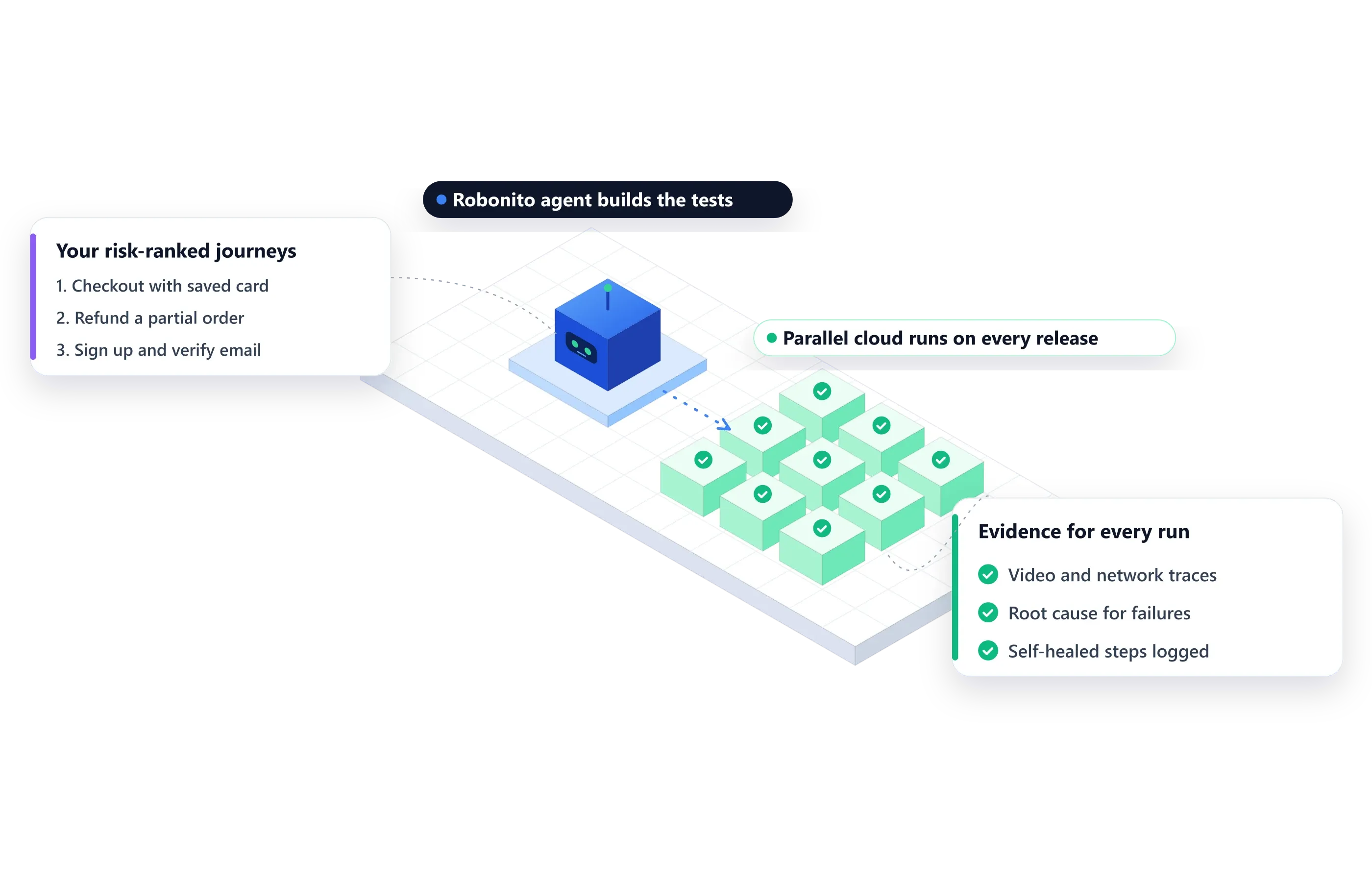
- Build tests from plain language. Describe a journey, or let AI Studio generate tests from requirement documents, Jira stories or the live app, then review them.
- Run in parallel, from your pipeline. Each test runs in its own isolated cloud worker, triggered from Jenkins, GitHub Actions, GitLab CI or Azure DevOps.
- Stay green for the right reasons. Self-healing adapts steps when labels, layouts or locators change, and logs every change for review.
- See why something failed. Every run keeps video, network traces and a root cause for each failure.
- Cover more than the browser. The same approach works for web, mobile, API and desktop apps.
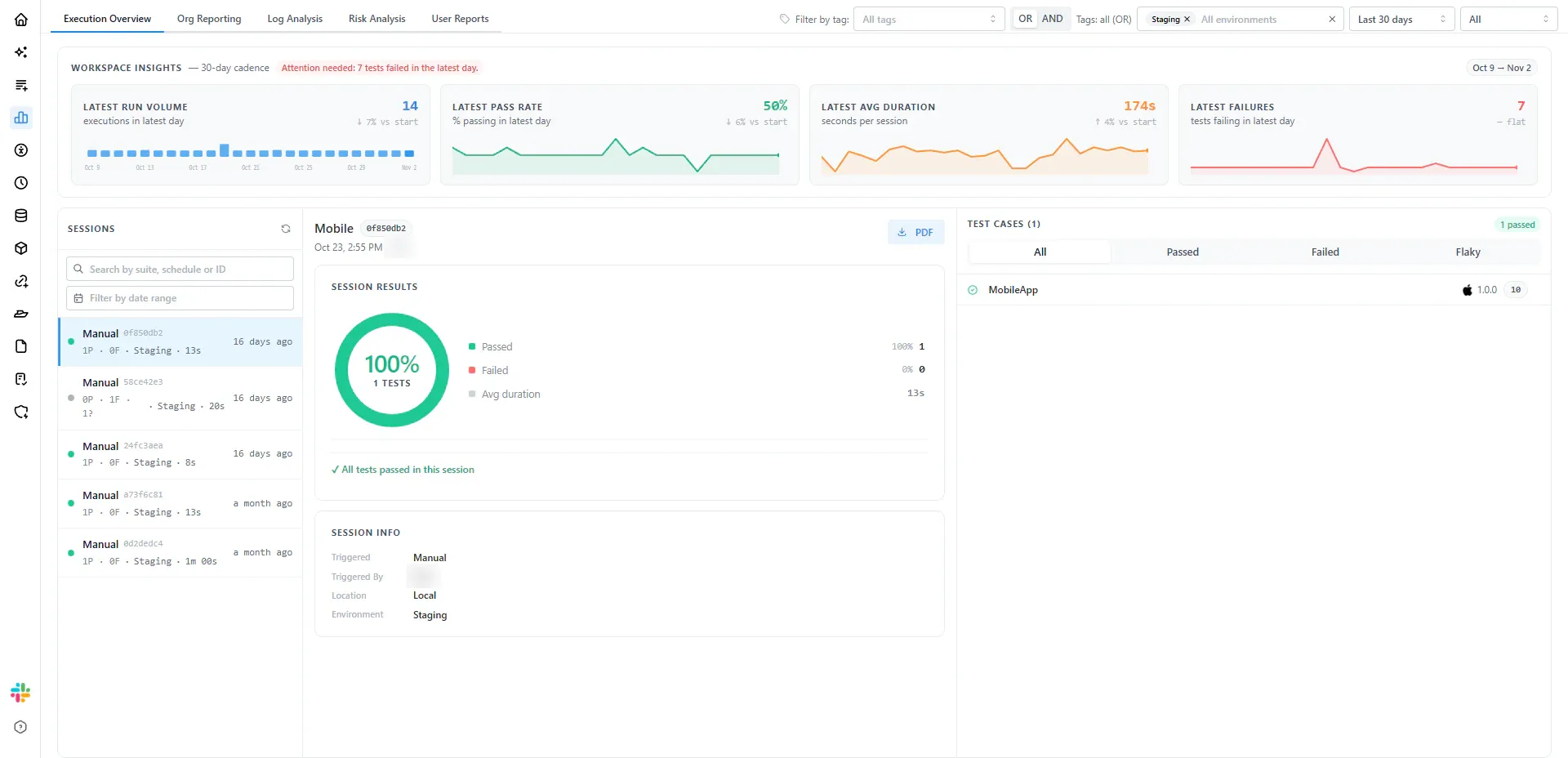
Club Car moved its CPQ and 3D configurator testing to Robonito and cut QA testing time by over 70%.
Want to see your own regression suite run this way? , or and automate your first journey today.
Frequently asked questions
What is the difference between regression testing and automated regression testing?
Regression testing is the goal: making sure changes don't break existing features. Automated regression testing is the method: running those checks with tools instead of by hand, so they can run on every change.
How often should automated regression tests run?
Run a fast smoke subset on every pull request, the full suite on every merge to the main branch, and a broader scheduled run nightly or before each release.
Can you automate all regression testing?
Not all of it. Automate the repeatable core: high-risk journeys, integrations and frequently changed areas. Keep exploratory and usability testing manual, and turn what they find into new automated tests.
How long should an automated regression suite take?
Aim for under 10 minutes for the pull-request smoke layer and under 30 minutes for the full suite. Parallel execution is usually what gets you there.
Why do automated regression tests keep failing?
Usually for reasons unrelated to real defects: timing issues, shared test data, unstable environments or locators that break when the UI changes. Fix the cause of each flaky failure, and consider self-healing tools for UI changes.
Keep your regression suite fast and trustworthy as the product changes. or .