01 / 03
Hardware becomes a second job
Buying, updating, and replacing devices pulls engineers away from testing. The lab is always a little out of date.
Device Farm
A real device cloud lets you test on actual Android and iOS devices and desktop browsers, not a drawer full of chargers. Robonito's device farm gives every run a ready environment, in parallel, straight from your pipeline.
Free forever plan · No code required
Teams that refuse to trade speed for quality ship with Robonito







01The problem
Someone has to buy the phones, update them, charge them, and figure out why one stopped connecting. Meanwhile, the release waits.
01 / 03
Buying, updating, and replacing devices pulls engineers away from testing. The lab is always a little out of date.
02 / 03
Simulated devices are useful early on, but some bugs only show up on real hardware. Those tend to be the ones customers find first.
03 / 03
When three teams need the same phone, tests wait in line and feedback slows to a crawl, right when you need it fastest.
02What you get
A device farm you don't have to run: real devices and browsers, ready when your tests are.
01
Run mobile tests on real devices in the cloud, so you see how your app behaves on actual hardware before your customers do.
02
Run web tests on desktop browsers in the same infrastructure, so web and mobile suites share one place to execute.
03
Every session starts in a prepared environment. No setup scripts, no device provisioning, no hunting for a free phone.
04
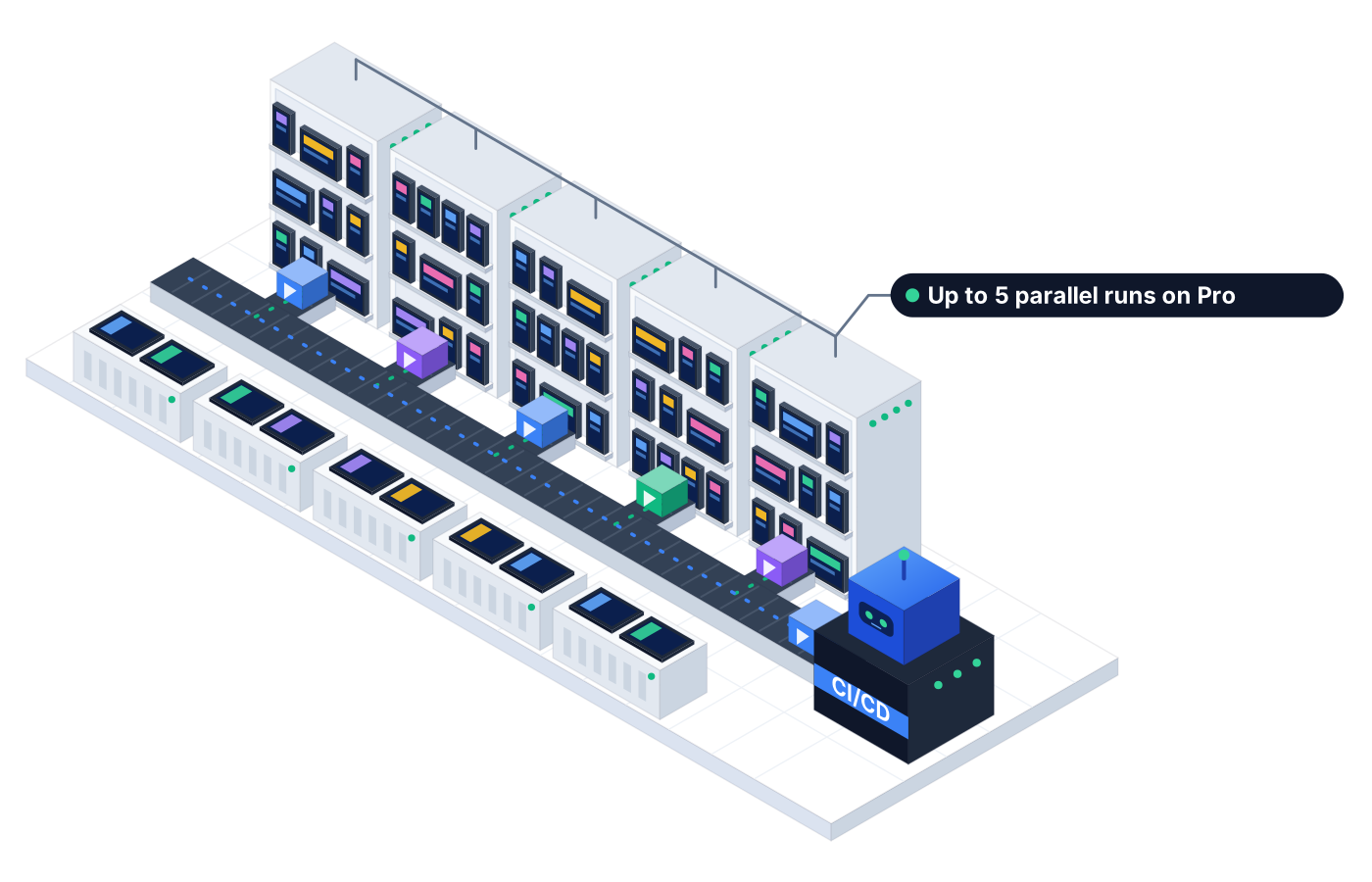
Run tests side by side to shorten feedback. Pro includes up to 5 parallel runs, and Custom plans set parallel capacity to fit your team.
05
Trigger device runs from your CI/CD pipeline, including Jenkins, GitHub, GitLab, and Azure DevOps, so each build gets tested on real devices.
06
Each run gets its own isolated session, with logs and screenshots captured along the way, so tests don't share state with each other.
03How it works
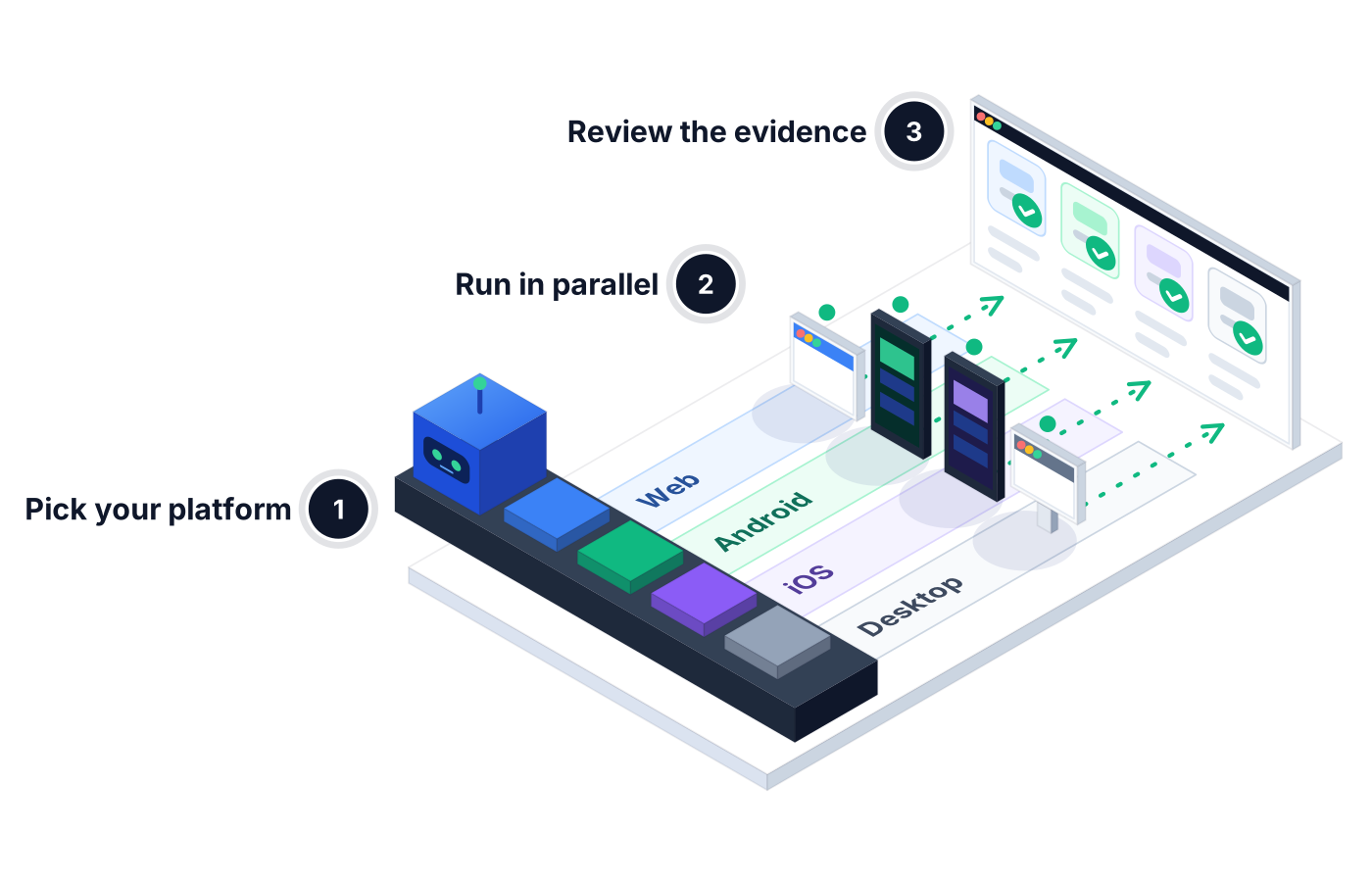
Choose web, Android, iOS, or desktop when you create or run a test, in AI Studio or from your test suites.
Kick off runs on demand, on a schedule, or from your pipeline. Sessions start in ready environments and run side by side.
Open any run to see each step with logs and screenshots, then check pass rate and failures in Reporting.
04Real-world use
Before an app store submission, the team runs its mobile regression suite on real Android and iOS devices and reviews screenshots of every screen that changed.
Every merge triggers a smoke suite from the CI/CD pipeline. A failing login flow on iOS gets flagged before it ever reaches the release branch.
A customer reports a checkout glitch on their phone. QA writes the steps in plain language and runs them on a real device to confirm the fix.
05Proof you can share
When a run fails on one device and passes on another, you need to see exactly what happened in each.
Each session records the steps the agent took and what it saw, start to finish.
Proof you get: Step-by-step run log per session
Visual proof of what the screen looked like when a step passed or failed.
Proof you get: Screenshot captured for each test step
Track run volume, pass rate, and average duration across your device and browser runs.
Proof you get: Execution overview in Reporting
06Ways to start
01
Try Robonito on your own web app with the free-forever plan. No code required, and no time limit.
02
Run a no-obligation proof of concept on your real system. You get clear results and a clear recommendation before you commit.
03
Robonito Professional Services helps with test strategy, migration from existing suites, and rollout across your teams.
Explore Professional Services07FAQ
A real device cloud is hosted infrastructure of physical devices and browsers that you access remotely to run tests, instead of buying and maintaining hardware yourself. Robonito's device farm provides real Android and iOS devices and desktop browsers in ready-to-use environments, so your team can run automated tests without managing a lab.
Real devices show how your app behaves on actual hardware, which emulators and simulators can only approximate. Emulators are handy early in development, but issues with rendering, performance, and device-specific behavior often surface only on real phones. A real device cloud gives you that realism without the cost and upkeep of a physical device lab.
It depends on your plan. Robonito Pro includes up to 5 parallel runs, and Custom plans offer parallel capacity sized to your team. The Free plan includes 1 parallel run for web testing. Running tests in parallel shortens feedback time, especially for large regression suites that cover several devices and browsers.
Yes. You can trigger Robonito runs from your CI/CD pipeline, including Jenkins, GitHub, GitLab, and Azure DevOps, so tests run automatically on each build or merge. Every session comes back with logs and screenshots, and you can post outcomes to Slack so the team knows right away when something fails.
Yes. Each run executes in its own isolated session, so state from one test doesn't carry into the next. Every session captures logs and screenshots, which makes it easier to compare a failure on one device with a pass on another and track down the real cause instead of guessing.
No. Robonito's device farm gives you ready-to-use environments, so there's no device lab to buy, update, or maintain. You choose a platform, run your tests, and review the results. Your team spends its time on test coverage and fixes instead of chargers, cables, and operating system updates.
Platforms & Testing Types
Native, hybrid, and cross-platform Android & iOS
Learn morePlatforms & Testing Types
One journey, every major browser, no grid to run
Learn morePlatforms & Testing Types
AI agents test your web app in plain language
Learn morePlatforms & Testing Types
AI catches UI regressions functional checks miss
Learn moreBook a demo to see Robonito run your tests in parallel on real devices and browsers, with logs and screenshots for every session.