A computer use agent doesn't need your app's code, its API or even its HTML. It looks at the screen, decides where to click, types, and looks again. That makes it the first kind of automation that can, in principle, test anything a person can see: a legacy Windows app, a canvas dashboard, a Citrix session, a flow that hops between three tools.
It also makes it slower, costlier and less predictable than the test automation you already run. So the question QA leads are asking isn't "is this impressive?" It is. The question is whether you'd let it guard your releases.
A computer use agent is an AI model that operates a computer from screenshots, moving the mouse and typing. Anthropic, OpenAI, Google and Microsoft all offer one. They're ready for exploratory testing and for apps with no accessible controls, but on their own they're too slow, costly and variable for most regression suites; the dependable design is hybrid.
This guide explains how computer use agents work, compares the main offerings, reads the benchmarks honestly, works out what a test run costs, and shows the hybrid pattern teams use to get the benefits without the flakiness.
Key takeaways
- Computer use agents work in a loop: screenshot, decide, click or type, screenshot again. They need no selectors, which is their strength and their weakness.
- Top agents now beat the 72% human score on the short OSWorld tasks, but the best full completion on OSWorld 2.0's long tasks is about 21%.
- Every vendor documents the same limits: slow steps, misclicks, trouble with dropdowns and scrolling, runs that differ, and prompt injection from what's on screen.
- Use selectors (the DOM or Windows UI Automation) where they exist, computer use where they don't, and check outcomes, keep evidence and put a person on consequential steps.
What is a computer use agent?
A computer use agent is an AI model that controls a computer through its screen. Your code sends the model a screenshot and a goal. The model replies with an action, such as "click at 412, 288" or "type the order number". Your code performs the action, takes a new screenshot and sends it back. The loop repeats until the task is done or a limit is reached.
Every vendor describes the same loop. Anthropic has Claude take screenshots and issue mouse and keyboard commands in an environment you run. Microsoft calls it perception, reasoning and action. AWS lists simulated users for software testing and QA as a use case.
What makes it different from the automation testers already use:
| Selector-based automation | Computer use agent | |
|---|---|---|
| How it finds a button | A DOM locator or an accessibility id | Pixels in a screenshot |
| Needs | Access to the page or app's object model | Only a screen |
| Repeatability | The same steps every run | Can take a different path each run |
| Speed and cost | Fast and cheap per step | A model call per step |
| Handles | Web and apps with accessible controls | Anything visible, including canvas, Citrix and legacy desktop apps |
Which computer use agents can QA teams use?
These are the main offerings in November 2026, from each vendor's documentation. Model versions change every few months, so check the docs for the current ones.
| Offering | Desktop or browser | Notes for testers |
|---|---|---|
| Anthropic computer use tool | Full desktop, in an environment you run | Generally available as a toolset. The reference setup is a Docker container with a virtual display. The docs name automated software testing as a good fit because speed matters less there. |
| OpenAI computer use tool | Browser and desktop, through your own harness | Part of the Responses API. Works with hosted browser providers such as Browserbase and Browser Use. |
| Google Gemini computer use | Browser, mobile and desktop | Built into current Gemini models. Actions can carry a safety decision that requires your confirmation. |
| Microsoft Copilot Studio computer use | Windows websites and desktop apps | Runs on your own machine, or in a hosted browser or Windows 365 Cloud PC pool (both in preview). Billed in Copilot Credits per step. |
| Amazon Nova Act | Browser only | Generally available since December 2025, with web QA testing as a listed use case. |
| Browser Use (open source, MIT) | Browser only | An open-source browser agent for Python and TypeScript; can act on accessibility-tree ids instead of screenshots. |
| Microsoft UFO (open source, MIT) | Windows | Combines Windows UI Automation with visual detection. |
How good are computer use agents, according to the benchmarks?
The standard benchmark is OSWorld: 369 tasks on real computers, covering web and desktop apps, files and multi-app workflows. When it was published, people completed 72.36% of the tasks, and the best model managed about 12%.
About two and a half years later, the picture has split:
| Benchmark | What it measures | Best published result |
|---|---|---|
| OSWorld (human baseline) | The original tasks, done by people | 72.36% |
| OSWorld-Verified | The same short tasks, cleaned up | 90.19% (an agent framework, July 2026); the top general-purpose models score in the 80s |
| OSWorld 2.0 | 108 long tasks, 250+ steps on average, most taking a skilled person over an hour | 20.6% fully completed (54.8% partial credit) |
So the best agents now beat people on short computer tasks, and still finish only about one in five long ones. For testing, that maps neatly onto the work: a short smoke check is within reach; a long end-to-end journey with many screens is where agents stall.
Read vendor announcements carefully. Several report "OSWorld 2.x offline" partial scores in the 60–80% range. That's a different metric from OSWorld 2.0's full completion rate, and the two shouldn't be compared.
What are the limits of computer use agents for testing?
The vendors are unusually frank about this. Their documentation lists the same problems:
- Speed. Anthropic notes that latency may be too slow for interactive use. Every step is a model call plus a screenshot.
- Misclicks. Models can misjudge coordinates, especially on small targets or when screenshots are scaled.
- Hard controls. Dropdowns, date pickers, scrollbars and custom widgets are difficult to operate with a mouse (Anthropic, Microsoft). Keyboard shortcuts help.
- Assumed success. Anthropic warns that the model may assume an action worked without checking, and recommends a screenshot after each step.
- Different results each run. Microsoft's FAQ says layout changes, loading delays and unexpected dialogs can give different outcomes for the same task. That's the flaky test problem in a new form.
- Getting stuck. Agents can repeat actions or loop.
- Consent, payments and bot checks. Vendors route steps such as accepting cookies or terms, purchases and destructive changes to a person, and the open-source Browser Use project notes that bot checks such as CAPTCHAs can't be guaranteed.
- Prompt injection. Text on screen can try to instruct the agent. Every vendor warns about it. Anthropic scans screenshots for it automatically, and Google offers an opt-in classifier.
None of this stops computer use from being useful. It does mean an agent's run is evidence to check, not a verdict to trust.
What does a computer use test run cost?
Costs depend on the model and the number of steps, so it's worth doing the arithmetic before you plan a suite around it.
Microsoft Copilot Studio publishes the simplest figure: 5 Copilot Credits per step, or 15 with a premium model. A 40-step checkout journey is 200 credits, or 600 with a premium model, every time it runs.
Anthropic's API is billed in tokens. The docs say the computer use toolset adds about 4,500 input tokens to each request, and each screenshot costs about 1,000 to 1,800 input tokens. Every request resends the screenshots still in context, so the total depends on how you prune them. As a rough estimate, if you keep strictly the last three screenshots, a 40-step journey sends around 300,000 to 400,000 input tokens across its model calls, before the task text, history and output. Anthropic's best-practice guide suggests pruning in batches instead (keep the latest three, prune every 25) so the prompt cache keeps working; that sends roughly 0.7 to 1.1 million input tokens for the same run, much of it billed at the cheaper cache-read rate. Run that suite on every pull request and the bill adds up quickly.
Compare that with a selector-based test of the same journey, which runs in seconds on a CI worker with no model calls. That gap is why computer use makes sense where selectors can't reach, and less sense where they can.
How do computer use agents compare with Playwright and desktop automation tools?
On the web, tools like Playwright read the page's DOM and accessibility tree. Playwright MCP works from accessibility snapshots by default and offers coordinate clicks only as an opt-in fallback for elements missing from the snapshot. That's faster and more repeatable than reading pixels. Our Playwright MCP guide, the Playwright CLI guide and Chrome DevTools MCP vs Playwright MCP cover the browser side.
On Windows desktop, the picture has changed:
- WinAppDriver has had no stable release since November 2020 (releases).
- Appium's Windows driver, which depends on it, is deprecated; the Appium WinCore driver, which uses Windows UI Automation directly, is its official replacement.
- pywinauto still works but describes itself as a hobby project.
- Windows UI Automation itself is the accessibility framework Microsoft designed with automated testing in mind.
Selector-based desktop testing works well when an app exposes its controls through UI Automation. Plenty of enterprise apps don't: canvas-drawn interfaces, Java and Electron apps with poor accessibility, Citrix and other virtualised apps. Microsoft itself lists several of these as possibly unsupported for its credential feature. That's exactly where computer use earns its place.
How do you use computer use agents safely in QA?
The pattern that works combines both kinds of automation, with guardrails from the vendors' own guidance:
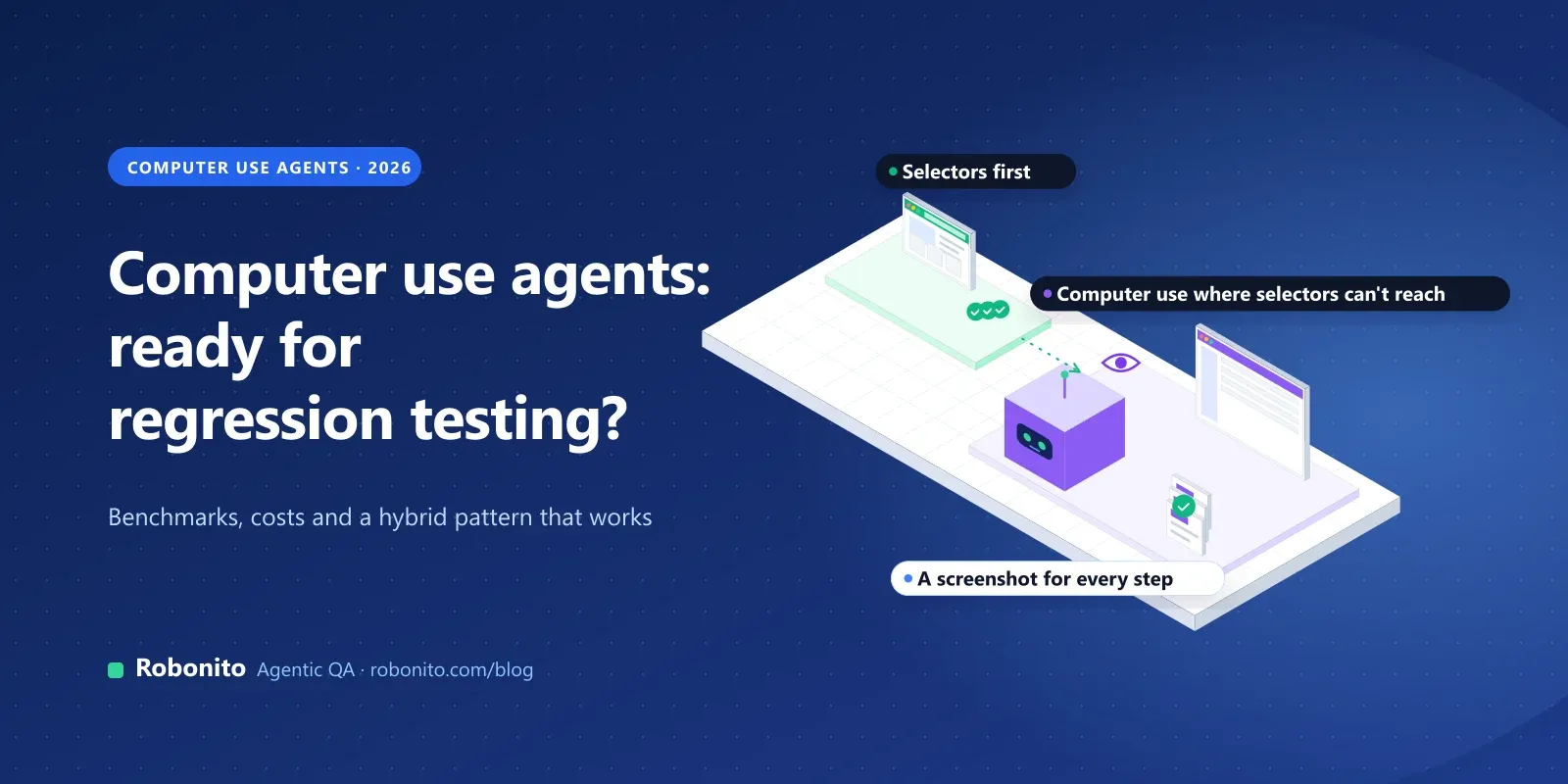
- Selectors first. Use the DOM, accessibility ids or Windows UI Automation wherever they exist. They're fast, cheap and repeatable.
- Computer use where selectors can't reach. Canvas apps, virtualised apps, legacy desktop software and multi-app flows.
- Check outcomes, not just screens. After the agent says "order placed", confirm it through an API, a database query or the next screen. Anthropic recommends a screenshot after every action; take that further and assert on the result.
- Keep the evidence. Log every step with its screenshot, and keep video of the run so a person can see what happened.
- Set limits. Cap steps, time and cost per run, as OpenAI's guidance suggests, so a stuck agent fails fast instead of looping.
- Run it more than once. Because outcomes vary, judge a computer use check by its pass rate across runs. Our guide to non-deterministic testing for AI agents explains how many runs you need.
- Isolate it. Run the agent in a dedicated VM or container with minimal privileges, allowlisted network access and test accounts, never real credentials.
- Put a person on consequential steps. Payments, account changes, accepting terms and anything destructive should wait for human confirmation.
The result is a suite that's mostly fast and deterministic, with computer use covering the parts nothing else could test, and every run leaving evidence behind. For why trust, not test creation, is now the bottleneck in AI testing, see agentic testing's confidence bottleneck.
Where does Robonito fit?
Robonito is an agentic QA platform. Its agents create, run and maintain end-to-end tests: web on every plan, and mobile, API and desktop on the Pro and Enterprise plans.
- Computer use for desktop apps. Robonito's agents have computer-use capability to access and test desktop applications. Desktop testing is on the Pro and Enterprise plans.
- Plain-language test creation. In AI Studio you describe what to test, paste a URL or reference a Jira issue, and the agent works through the app step by step.
- Healing you can audit. When labels, layouts or locators change, self-healing adapts the step and logs every healed step for review.
- Evidence on every run. Every run keeps video, network traces and an AI root cause for failures, with pass rates and trends across runs.
- Controls for regulated teams. Role-based access, audit logs, and cloud, private cloud or on-premise deployment, with a SOC 2 Type II report under NDA.
Where a raw computer use API is the better choice: a one-off automation, a research prototype, or a team that wants to build and run its own agent harness.
See how Robonito's AI QA agent works, or to run one of your desktop journeys.
Frequently asked questions
What is a computer use agent?
A computer use agent is an AI model that operates a computer from screenshots. It looks at the screen, decides on an action such as a click or keystrokes, and repeats until the task is done. Anthropic, OpenAI, Google and Microsoft all offer one.
Can computer use agents replace automated tests?
Not on their own, for most teams. They're slower and costlier per step than selector-based tests, and the same task can produce different results on different runs. They work best alongside selector-based tests, covering apps and flows that selectors can't reach.
Are computer use agents good enough for regression testing?
For short, well-defined checks, increasingly yes: top agents now beat the human score on OSWorld's short tasks. For long journeys they still struggle; the best full completion on OSWorld 2.0's long tasks is about 21%. Use them with outcome checks, step limits and pass-rate gates.
What is OSWorld?
OSWorld is a benchmark of tasks on real computers, covering web and desktop apps, files and multi-app workflows. People complete 72.36% of its tasks. OSWorld-Verified is a cleaned-up version, and OSWorld 2.0 adds 108 much longer tasks.
Can a computer use agent test desktop applications?
Yes. Tools such as Anthropic's computer use tool, Gemini computer use and Microsoft Copilot Studio can operate desktop apps, because they work from the screen rather than the app's code. That makes them useful for legacy, canvas and virtualised apps without accessible controls.
Is computer use safe to run on my machine?
Vendors recommend running it in a dedicated VM or container with minimal privileges, restricted network access and no real credentials, because content on screen can attempt prompt injection. Keep a person in the loop for payments, account changes and anything destructive.
Test what your selectors can't reach, and keep proof of every run. to see Robonito's agents on your desktop app, or .