Coding agents can already drive a browser through Playwright MCP. So why did the Playwright team ship a second way to do it?
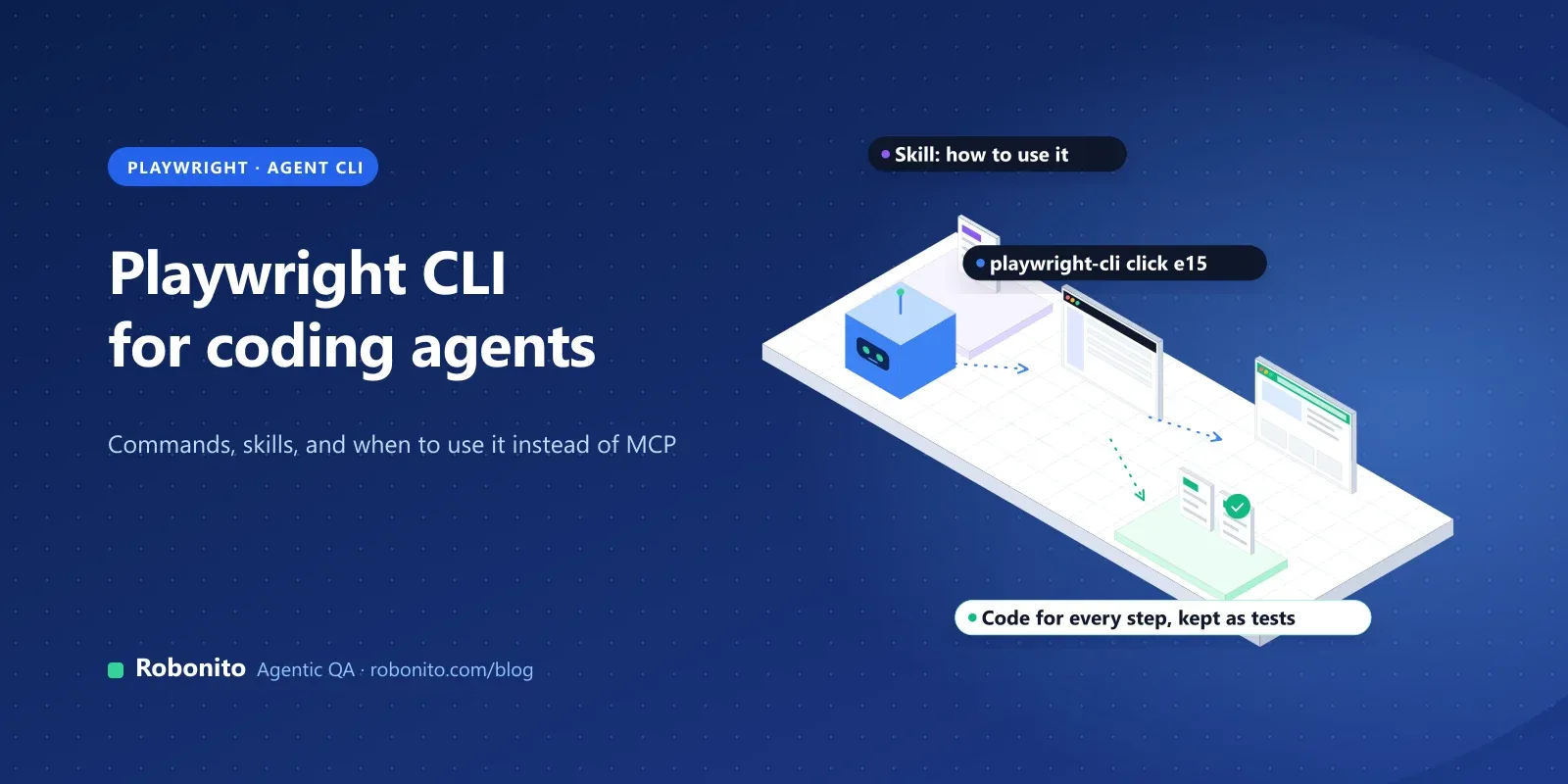
Because MCP is expensive inside a coding agent. Every tool schema and every page snapshot sits in the model's context, and on a large codebase that context is better spent on the code. The Playwright CLI gives the agent the same browser through short shell commands instead, and teaches it how to use them with an installable skill.
The Playwright CLI (@playwright/cli) is a command-line tool that lets coding agents such as Claude Code and GitHub Copilot drive a real browser with short shell commands like open, click and snapshot. It installs as a skill, uses less context than Playwright MCP, and prints the Playwright code behind every action so you can turn a session into tests.
This guide covers installing it, the skills it writes, the commands a QA engineer uses most, how sessions work, when to pick it over MCP, and how to get from an agent's session to a regression test you'd trust.
Key takeaways
- Install with
npm install -g @playwright/cli@latest, or runnpx playwright cliin a project on Playwright 1.59 or later. playwright-cli install --skillswrites a skill to.claude/skills/playwright-cli/(or.agents/skills/with--skills=agents) so your agent knows the commands.- The CLI is headless by default, keeps named sessions, and prints the Playwright code for each action.
- Use the CLI inside coding agents to save context; use MCP for long exploratory loops. Neither replaces a reviewed regression suite.
What is the Playwright CLI?
The Playwright CLI is browser automation from the command line, built for coding agents. The agent runs a command such as playwright-cli click e15, the CLI performs it in a real browser, and it prints the result: the page URL and title, the Playwright code it ran, and a link to a snapshot of the page.
It's not the same thing as the Playwright command you already know:
| You type | What it is |
|---|---|
npx playwright test | The test runner for your @playwright/test suite |
npx playwright codegen | A recorder: a person clicks through a page while the Inspector writes test code |
playwright-cli or npx playwright cli | The agent CLI covered in this guide |
The basics, from npm and the docs:
- Package:
@playwright/cli(version 0.1.25 in November 2026), Apache-2.0, binary nameplaywright-cli. - Requirements: Node.js 20 or newer, and a coding agent such as Claude Code or GitHub Copilot.
- Inside Playwright:
npx playwright cliworks locally from Playwright 1.59, and the 1.62 release notes announced that Playwright now bundles both the CLI and the MCP server (npx playwright cli,npx playwright mcp). - Watch the name. The unscoped npm package
playwright-cliis an old, deprecated package. Install@playwright/cli.
How do you install the Playwright CLI?
There are two routes, from the installation docs.
Global install, for any project:
npm install -g @playwright/cli@latest
playwright-cli --help
Project-local, if the project already uses Playwright 1.59 or newer:
npx --no-install playwright --version   # check the version first
npx playwright cli --help
Then run the install step in your project:
playwright-cli install --skills
Without -g, this does four things (we checked the source, because the docs summarise it loosely):
- Writes the skill to
.claude/skills/playwright-cli/. Use--skills=agentsto write.agents/skills/playwright-cli/instead. - Creates a
.playwright/workspace folder, where a project config (.playwright/cli.config.json) can live. - Updates
.gitignorein a git repository, adding.playwright-cli/with a comment that CLI output may contain credentials. Keep that line. - Picks a browser if no CLI config exists yet: an installed Chrome first, then Edge, and otherwise it downloads Chromium.
Add -g (--global) to install the skill for every project in ~/.claude/skills or ~/.agents/skills, without touching the current folder.
What does the Playwright CLI skill do?
A skill is a folder of instructions that a coding agent loads only when the task needs it. In Claude Code, only each skill's short description sits in context until the skill is used, which is part of why the CLI is cheaper than an MCP server with dozens of tool schemas.
The Playwright skill is a SKILL.md file plus ten reference files covering element attributes, Playwright tests, request mocking, running code, session management, storage state, test generation, tracing, video recording and PR attachments. Its frontmatter pre-approves the CLI commands for the turn in which the skill is used, so Claude Code doesn't stop to ask about each playwright-cli call during that turn.
Skills work in Claude Code, GitHub Copilot, Cursor and other agents that support locally installed skills. Two practical notes:
- Re-run the install after upgrading. The CLI warns when the installed skill no longer matches the tool version.
- No skills? Point the agent at the help. You can tell the agent to read
playwright-cli --helpinstead of installing the skill.
Which Playwright CLI commands do QA engineers use most?
The command reference is long. These are the ones that matter for testing:
| Task | Commands |
|---|---|
| Open and move around | open [url], goto <url>, go-back, reload, close |
| Read the page | snapshot, find <text>, screenshot, console, requests |
| Act on elements | click <ref>, fill <ref> <text> [--submit], select <ref> <value>, check <ref>, hover <ref>, upload <file>, press <key> |
| Signed-in state | state-save [file], state-load <file>, cookie-list, localstorage-get <key> |
| Mock the network | route <pattern>, route-list, unroute |
| Test emulation | open --device="iPhone 15", set-color-scheme, set-reduced-motion, resize <w> <h> |
| Turn work into code | recording-start, recording-stop, generate-locator <ref> |
| Evidence and debugging | tracing-start, tracing-stop, video-start, video-stop, show (dashboard) |
How does the agent find elements?
The snapshot command saves the page's accessibility tree as YAML under .playwright-cli/. Interactive elements get short references such as e15, and the agent passes those to commands:
playwright-cli open https://demo.example.com/login
playwright-cli snapshot
playwright-cli fill e8 "qa@example.com"
playwright-cli fill e10 "$TEST_PASSWORD" --submit
References last until the page changes, so the agent takes a new snapshot after navigation. Commands also accept CSS selectors or Playwright locators such as getByRole(...) and getByTestId(...). The docs recommend refs for agents, because they come straight from the latest snapshot; locators are handy in instructions you write by hand, since refs change from one snapshot to the next. For canvas and other custom widgets, a vision mode adds mouse commands that work on coordinates, but the docs recommend snapshots for most apps.
Is the Playwright CLI stateless?
No, though some comparison posts say it is. The browser stays open between commands, and you can name sessions:
playwright-cli -s=checkout open https://demo.example.com
playwright-cli -s=checkout click e21
playwright-cli list          # show open sessions
playwright-cli close-all
- Cookies and storage persist between commands in a session, in memory by default. Add
--persistentto keep the profile on disk. - A default session can come from the
PLAYWRIGHT_CLI_SESSIONenvironment variable, for examplePLAYWRIGHT_CLI_SESSION=todo-app claude .. - Headless sessions close after an hour idle. Headed sessions stay open; pass
--headedtoopento watch the browser.--idle-timeout=0turns the timeout off.
That makes it practical to sign in once with state-save, then reuse the state in later sessions and in your test suite.
Playwright CLI vs Playwright MCP: which should you use?
The CLI README explains the design choice: CLI calls "avoid loading large tool schemas and verbose accessibility trees into the model context." The same section says MCP is still the better fit for loops that need continuous browser context, such as exploratory automation, self-healing tests and long-running autonomous workflows.
| Playwright CLI | Playwright MCP | |
|---|---|---|
| Best for | Coding agents working in a large codebase | Exploratory and long-running agent loops |
| How the agent uses it | Runs shell commands | Calls tools with structured parameters |
| Context cost | Lower: short output, skill loaded on demand | Higher: tool schemas and snapshots stay in context |
| Default browser mode | Headless | Headed |
| Setup | npm install plus install --skills | JSON config in the MCP client |
Sources: the Playwright CLI and Playwright MCP introductions. GitHub's own agentic workflows project made its built-in Playwright tool CLI-only in September 2026, citing token cost and a smaller attack surface.
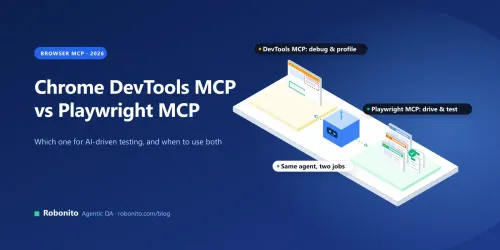
A simple rule: if your agent mostly writes code and occasionally checks the browser, use the CLI. If the browser session is the work, use MCP. For the MCP setup, see our Playwright MCP guide; for a Chrome-specific debugging server, see Chrome DevTools MCP vs Playwright MCP.
How does the CLI compare with Playwright Test Agents?
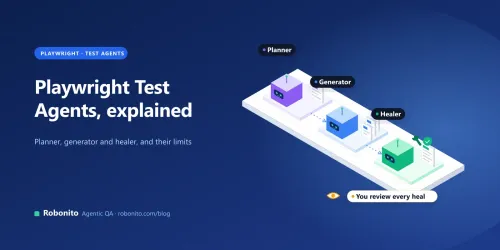
Playwright Test Agents (npx playwright init-agents) are agent definitions for a planner, a generator and a healer that build and repair a Playwright suite in your repository. The CLI is the lower-level tool: it gives one agent a browser and a set of commands. The CLI's skill now includes its own test-generation guide, so the two overlap. Use Test Agents when you want the plan, generate and heal workflow; use the CLI when your agent needs a browser as part of a wider coding task.
How do you turn a CLI session into a real test?
An agent's session proves something worked once. A regression test proves it keeps working. The CLI gives you what you need to get from one to the other:
- Explore with the agent. Ask it to walk the journey, for example "sign in and buy the cheapest item with a saved card". Every command prints the Playwright code it ran.
- Collect the clean path. Have the agent repeat the journey without the dead ends, and keep the Playwright code each command prints. If you'd rather show the flow yourself, open a headed session, run
recording-start, click through it, thenrecording-stopto print your actions as Playwright code. - Make the locators steady. Use
generate-locator <ref>for any element the recording targets in a fragile way, and prefer role and test-id locators. - Write the checks yourself. A recording has actions, not judgment. Add
expect(...)assertions for what the business cares about: the order total, the confirmation email, the stock level. - Save sign-in once. Use
state-saveto keep an authenticated state and load it in the test setup instead of logging in through the UI every time. - Run it in your suite. Put the spec in your
@playwright/testproject and runnpx playwright testin CI. When it fails,npx playwright test --debug=cli(Playwright 1.59+) lets an agent attach and step through it, andnpx playwright trace open <trace.zip>opens a trace. - Review it like code. A person approves every test an agent wrote, and every change an agent makes to make a test pass. Our post on Claude Code hooks for testing shows how to stop an agent quietly editing tests until they go green.
For the habits that keep a growing suite fast and readable, see Playwright best practices.
What are the Playwright CLI's limitations?
It's young: the npm package has been public since January 2026. The issue tracker shows the rough edges to expect:
- Process cleanup. Users reported heavy CPU and memory use and orphaned browser processes, and an open issue reports
playwright-cli listsometimes not exiting with stale sessions.close-allandkill-allare your friends. - Agents forgetting the skill. Some users found their agent stopped using the skill in long conversations, or didn't pick it up for every relevant request.
- Docs that lag the code. The configuration schema in the README is out of step with the runtime (an open issue), so check the docs for your version.
- Secrets in output. An early bug showed password values in snapshots; it's fixed, but snapshots and logs can still contain sensitive data, which is why
installadds.playwright-cli/to.gitignore. - Environment quirks. Global installs broke for some users with several Node versions managed by nvm or mise.
Where does Robonito fit?
Robonito is an agentic QA platform. Its agents create, run and maintain end-to-end tests, so the steps above (keep the test, review it, run it on every release, look at the evidence) happen in one place instead of across a coding agent, a repository and a CI log.
- Plain-language test creation. In AI Studio you describe what to test, paste a URL or reference a Jira issue, and the agent works through the app step by step. Testers who don't write TypeScript can build and review tests.
- Healing you can audit. When labels, layouts or locators change, self-healing adapts the step and logs every healed step for review.
- Evidence on every run. Tests run in parallel in isolated cloud workers, from Jenkins, GitHub Actions, GitLab CI, Azure DevOps or CircleCI on Starter and above, with video, network traces and an AI root cause for failures.
- More than the browser. Mobile (Android and iOS), desktop and API testing are on the Pro and Enterprise plans.
- No lock-in. Robonito can generate executable code for your test cases.
Where the Playwright CLI is the better choice: an engineer-owned suite where every test lives as Playwright code in the repository and a coding agent helps write it.
For a fuller comparison, see Robonito vs Playwright, or .
Frequently asked questions
What is the Playwright CLI?
It's Playwright's command-line tool for coding agents. The agent runs short shell commands such as open, snapshot, click and fill to drive a real browser, and the CLI prints the page state and the Playwright code behind each action. The package is @playwright/cli.
How do I use the Playwright CLI with Claude Code?
Install it with npm install -g @playwright/cli@latest, then run playwright-cli install --skills in your project. That writes a skill to .claude/skills/playwright-cli/, and Claude Code loads it when a task needs a browser.
Is the Playwright CLI the same as npx playwright test?
No. npx playwright test runs your test suite, and npx playwright codegen records tests while a person clicks. The agent CLI is playwright-cli, or npx playwright cli in a project on Playwright 1.59 or later.
Is the Playwright CLI better than Playwright MCP?
For coding agents, it usually uses less context, because the agent runs commands instead of keeping tool schemas and snapshots in its context. MCP suits exploratory and long-running browser loops. Many teams use both.
Does the Playwright CLI work in CI?
Yes. It runs headless by default, and its update and skill-version checks are skipped when the CI environment variable is set. For release gating, run the tests it helped you write with npx playwright test, rather than an agent session.
Is the Playwright CLI free?
Yes. It's open source under the Apache-2.0 licence. You pay only for your coding agent's model usage.
Let your coding agent drive the browser. Keep the proof somewhere it can't edit. Robonito runs your critical journeys on every release, with evidence for every run. or .