01The organization
Think of a health system with three hospitals and 40 clinics. Patients book appointments, join telehealth visits, message their care team, request refills and pay bills through a portal and an app. Both read from and write to clinical systems through APIs.
Testing is mostly manual, run by analysts who also support clinicians. Security will not let test tooling send data outside the network, and real patient data can't be used in testing.
Healthcare IT teams work under two constraints most teams don't have. Real patient data can't be used for testing, and many tools are ruled out because they process data outside the network. Any automation plan has to start from those constraints, not work around them later.
02Business objectives
- Automate the patient journeys that generate the most support calls
- Keep testing inside the provider's own network
- Check that the portal and the clinical APIs agree
- Prove that each role sees only what it should
03Testing challenges
Data can't leave
Any testing tool has to run inside the network and work with synthetic patients.
Integrated systems
An appointment booked in the portal has to show up in the scheduling system and the clinician's queue.
Proxy access
Parents and caregivers act for patients, and access rules are easy to get wrong.
Analysts, not engineers
The people who know the workflows don't write code.
04Before and after
How the testing work would change once the journeys run in Robonito.
- Where tests run
- Today:Cloud tools ruled out by security, so testing stays manual.
- With Robonito:Robonito runs on-premise, inside the provider's network.
- Test data
- Today:Analysts improvise test patients for each release.
- With Robonito:A shared set of synthetic patients used by every suite.
- Integrations
- Today:Portal and clinical systems tested separately.
- With Robonito:One test books in the portal and confirms the record through the API.
- Access rules
- Today:Proxy and role access checked occasionally.
- With Robonito:Role and proxy scenarios run on every release.
05How Robonito would test it
- 1
On-premise deployment
Robonito runs on-premise, so test runs, evidence and synthetic data stay inside the provider's network.
- 2
Journeys from the analysts
Analysts write patient journeys in plain language and review them like a checklist.
- 3
Portal and API together
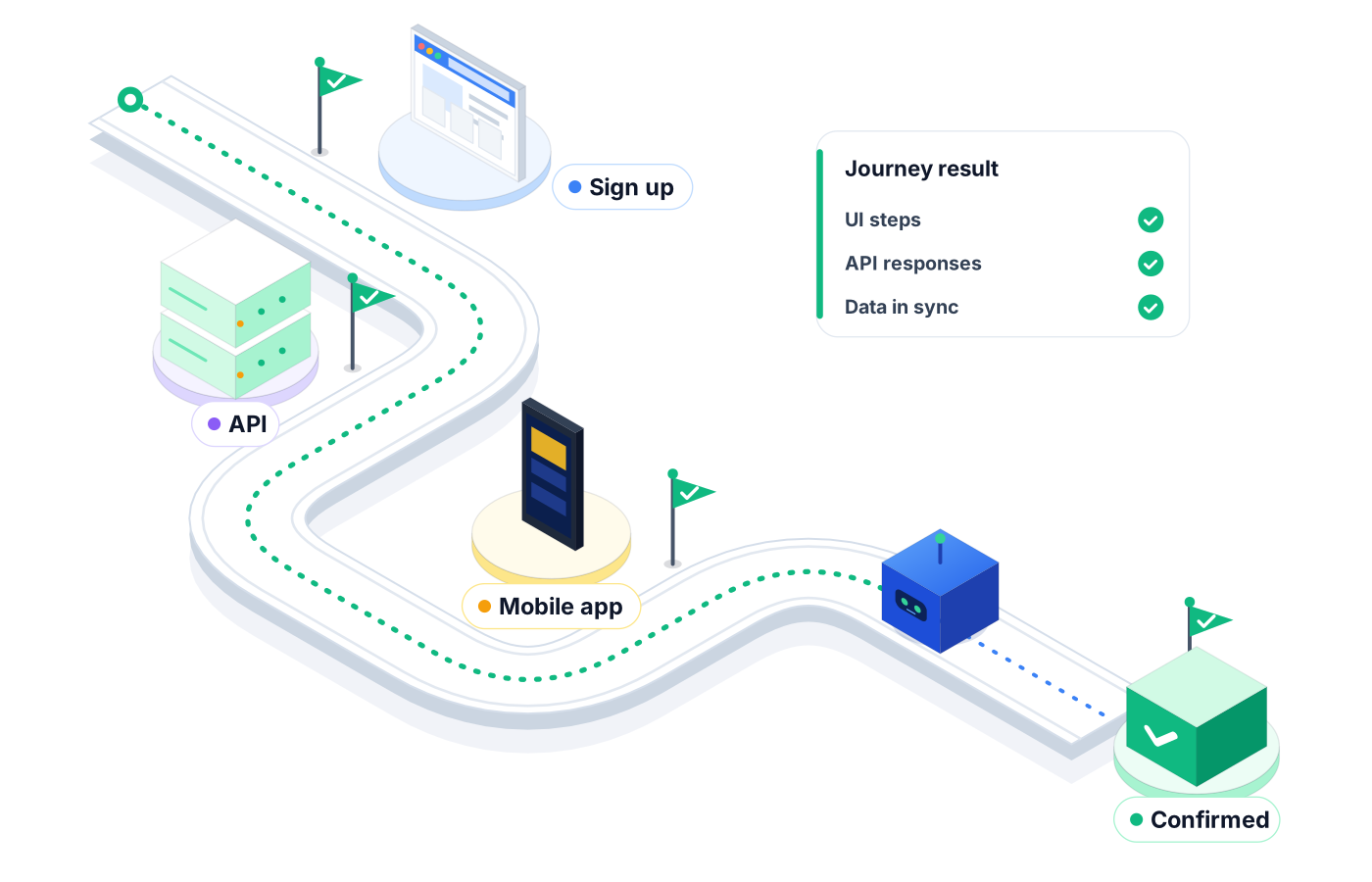
Tests book in the portal, then query the scheduling API to confirm the same appointment exists.
- 4
Roles and records
Role-based access in Robonito controls who can see and run which suites, and audit logs record test and agent activity.
06Test scenarios, in plain language
Tests you'd write in Robonito on day one. Each one is typed as written; the agent works through the app and saves the steps.
- SchedulingBook a new-patient cardiology appointment next week and confirm the slot is no longer offered to the next patient.
- TelehealthReschedule a telehealth visit to tomorrow and confirm the new time shows in the portal and the app.
- PaymentsPay a $40 copay with a test card and confirm the account balance drops by $40.
- RefillsRequest a prescription refill and confirm it appears in the clinic's refill queue.
- Proxy accessLog in as a parent with proxy access and confirm only the child's record is visible.
- APIQuery the appointments API for a test patient and confirm it matches the upcoming visits in the portal.
07What the pilot measures
No made-up numbers: a pilot measures these against your current baseline, on your own app.
Journeys automated
How many high-volume patient journeys run on every release.
Support tickets
Portal-related support calls after releases, before and after.
Integration mismatches
Portal and clinical-system disagreements caught in testing.
Security sign-off
Whether security approves the deployment model and test data approach.
08Rolling it out: the first month
A realistic plan for a team starting from zero, with the baseline comparison built in.
- Week 1
Agree the setup
Security and IT sign off the on-premise deployment, roles in Robonito and the synthetic patient data set.
- Week 2
Automate the call drivers
Analysts write the journeys behind most support calls: scheduling, telehealth, refills and payments.
- Week 3
Check both sides
API checks confirm that portal actions reach the scheduling and clinical systems, and proxy access is tested.
- Week 4
Run before release
Azure DevOps runs the suite before each portal release, and the team reviews support tickets after go-live.
09Frequently asked questions
Can Robonito run inside our network?
Yes. Robonito can be deployed on-premise or in a private cloud as well as in Robonito's cloud, so test runs and their evidence can stay inside your network.
Do we need real patient data to test?
No, and you shouldn't use it. Tests work with synthetic patients that you create for testing, and the same data set can be reused across suites.
Can Robonito test the APIs behind the portal?
Yes. Robonito tests REST APIs and can combine API checks with portal steps in one test, for example booking an appointment and confirming it through the scheduling API. API testing is on the Pro and Custom plans.
How is access to tests controlled?
Robonito includes role-based access control and audit logs of test and agent activity, so you control who can see and run which suites and keep a record of what was done.